Welcome STARK TOUCH DEVICE!


Solutions
Precautions for moisture-proofing and dust-proofing of idle industrial control computers
Industrial Control Computer Storage: Essential Tips for Humidity and Dust Prevention
When industrial control computers (IPCs) are not in active use, proper storage is crucial to maintain their performance and extend their lifespan. Dust and humidity are two major environmental factors that can significantly impact the reliability of IPCs. Here’s a detailed guide on how to protect your IPCs during storage.
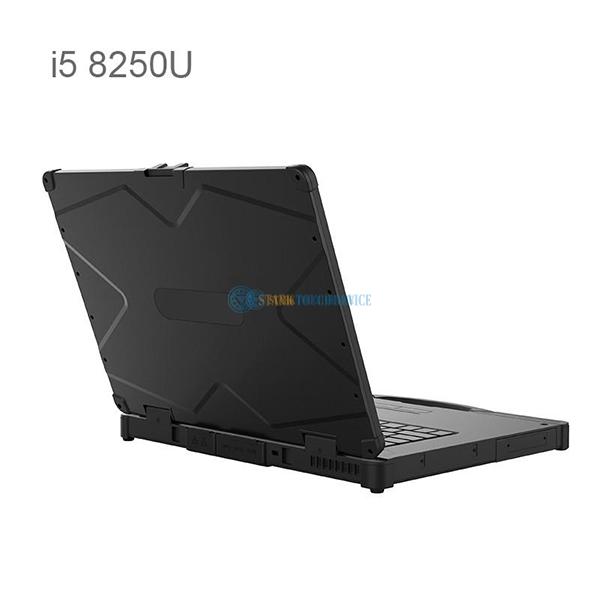
Understanding the Risks of Dust and Humidity
The Impact of Dust on IPCs
Dust particles can accumulate on the surface and inside the IPCs, leading to several issues. Dust can clog cooling fans and vents, reducing airflow and causing overheating. Over time, dust can also settle on electronic components, creating a layer of insulation that traps heat and accelerates component degradation. In severe cases, dust can even cause short circuits, leading to permanent damage to the IPC.
The Dangers of Humidity for IPCs
High humidity levels can be equally detrimental to IPCs. Moisture can condense on electronic components, leading to corrosion and electrical shorts. In extreme cases, condensation can cause the IPC to fail to start or operate erratically. Additionally, prolonged exposure to high humidity can promote the growth of mold and mildew, which can further damage the IPC and pose health risks to personnel.
Effective Strategies for Dust Prevention
Enclosure Selection and Modification
Choose IPCs with sealed enclosures that meet IP65 or higher standards. These enclosures are designed to prevent dust ingress, ensuring that the internal components remain clean and protected. If your existing IPCs do not have sealed enclosures, consider modifying them by adding dust-proof covers or custom-sealed cases. However, ensure that any modifications do not compromise the cooling system’s efficiency.
Filter Installation and Maintenance
Install high-efficiency particulate air (HEPA) filters or a combination of metal mesh and primary filter cotton at the air intake vents of the IPCs. HEPA filters can capture particles as small as 0.3 microns with an efficiency of 99.97%, effectively blocking dust from entering the enclosure. Regularly inspect and replace the filters when the blockage exceeds 70% to maintain optimal airflow and filtration performance.
Positive Pressure Systems
Implement a positive pressure system within the IPC enclosure to prevent dust ingress. This involves using a micro air pump to continuously inject filtered air into the enclosure, creating a higher pressure inside compared to the external environment. This pressure difference acts as a barrier, preventing dust from entering through any gaps or openings. Ensure that the system is equipped with a pressure monitoring device to maintain the desired pressure level.
Comprehensive Humidity Control Measures
Environmental Monitoring and Adjustment
Use a hygrometer to regularly monitor the humidity level in the storage area. If the humidity exceeds the recommended range (typically 20% to 80% relative humidity for IPCs), take steps to reduce it. This can include using air conditioning or dehumidifiers to maintain a stable and dry environment. Additionally, avoid placing IPCs directly on the floor or against walls, as these areas are more prone to moisture accumulation.
Desiccant Use and Maintenance
Place desiccant packs inside the IPC enclosures to absorb any moisture that may be present. Desiccants, such as silica gel or activated carbon, are effective at reducing humidity levels and preventing condensation. Regularly check and replace the desiccant packs to ensure their continued effectiveness. If the IPCs are not frequently used, consider opening the enclosures periodically to inspect the desiccant packs and replace them if necessary.
Heating and Ventilation Strategies
In areas with high humidity, consider using heating devices to maintain a slightly elevated temperature inside the IPC enclosures. This can help prevent condensation by keeping the internal temperature above the dew point. Additionally, ensure that the storage area has adequate ventilation to allow for air circulation and moisture removal. Avoid storing IPCs in enclosed spaces with poor ventilation, as this can exacerbate humidity-related issues.
Additional Best Practices for IPC Storage
Regular Inspection and Cleaning
Even when IPCs are not in use, it’s essential to perform regular inspections and cleanings. Check the external and internal components for signs of dust accumulation, corrosion, or damage. Use compressed air or a vacuum cleaner with a soft brush attachment to gently remove dust from the surface and cooling vents. Avoid using water or harsh cleaning agents, as these can damage the IPCs.
Secure Storage and Handling
Store IPCs in a secure location that is protected from physical damage, such as impacts or vibrations. Ensure that the storage area is clean and free from potential contaminants. When handling IPCs, use proper lifting techniques and avoid dropping or mishandling them. Additionally, avoid exposing IPCs to extreme temperatures or direct sunlight, as these can also impact their performance and lifespan.
Documentation and Record-Keeping
Maintain detailed records of all IPCs in storage, including their model numbers, serial numbers, and storage locations. Document any maintenance or inspection activities performed on the IPCs, including the date, type of activity, and any findings or recommendations. This documentation can be invaluable for tracking the history of each IPC and identifying potential issues before they become serious problems.
