Welcome STARK TOUCH DEVICE!


Solutions
Debugging of the edge computing module for industrial control computers
Debugging Edge Computing Modules in Industrial Control Computers
Understanding Edge Computing Architecture in Industrial Systems
Edge computing modules in industrial control computers bring processing power closer to data sources, reducing latency and bandwidth requirements. These modules typically integrate specialized processors, memory, and communication interfaces to handle real-time analytics at the network edge. The architecture often includes multiple layers: sensor/actuator interfaces, preprocessing units, core computing elements, and communication gateways.
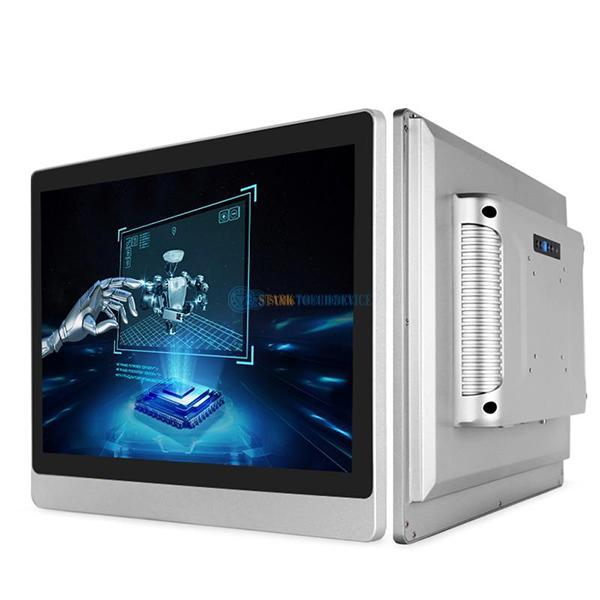
Industrial edge modules differ from traditional computing components by their rugged design requirements. They must operate reliably in environments with temperature extremes, vibration, electromagnetic interference, and potential exposure to contaminants. Debugging these systems requires understanding both the computational aspects and the industrial-grade hardware constraints.
Key components to examine during debugging include:
Processing cores (CPUs, GPUs, or specialized accelerators)
Memory subsystems (RAM, flash storage)
Industrial communication interfaces (Ethernet, CAN, fieldbus)
Power management circuits
Environmental monitoring sensors (temperature, voltage)
Initial Setup and Configuration Verification
Hardware Installation Checks
Proper physical installation forms the foundation for reliable operation:
Verify correct mounting orientation and secure mechanical attachment
Check all cable connections for proper seating and strain relief
Confirm power supply specifications match module requirements (voltage, current, polarity)
Inspect for physical damage that may have occurred during installation
For modules with heat sinks or active cooling, ensure proper thermal interface material application and airflow. Inadequate cooling often manifests as intermittent failures or reduced performance under load.
Firmware and Software Initialization
The boot process reveals critical information about system health:
Observe LED indicators for power, status, and communication activity
Connect to console ports (if available) to view boot logs
Verify the operating system or real-time kernel loads correctly
Check for proper initialization of all peripheral drivers
Many industrial edge modules support dual firmware images for fail-safe updates. Confirm both images are intact and verify the active image matches expected configuration.
Communication Interface Debugging
Industrial Network Protocol Validation
Edge modules typically implement multiple communication protocols:
Ethernet-based protocols: Verify IP configuration, subnet masking, and gateway settings
Fieldbus systems: Check termination resistors and baud rate settings
Wireless interfaces: Validate antenna connections and signal strength indicators
Use network sniffing tools appropriate for each protocol to monitor traffic. For time-sensitive protocols, verify timing parameters like cycle times and synchronization accuracy.
Data Flow Analysis
Trace data movement through the system:
Confirm sensor data reaches the edge module's input buffers
Verify processed data appears at output interfaces with correct timing
Check for data corruption during transmission (parity errors, frame checksums)
Monitor buffer utilization to detect potential overflow conditions
Implement logging at key points in the data path to isolate where failures occur. For high-speed interfaces, use protocol analyzers rather than software logging to avoid introducing timing artifacts.
Performance Optimization and Latency Reduction
Real-Time Processing Analysis
Measure and optimize task execution times:
